
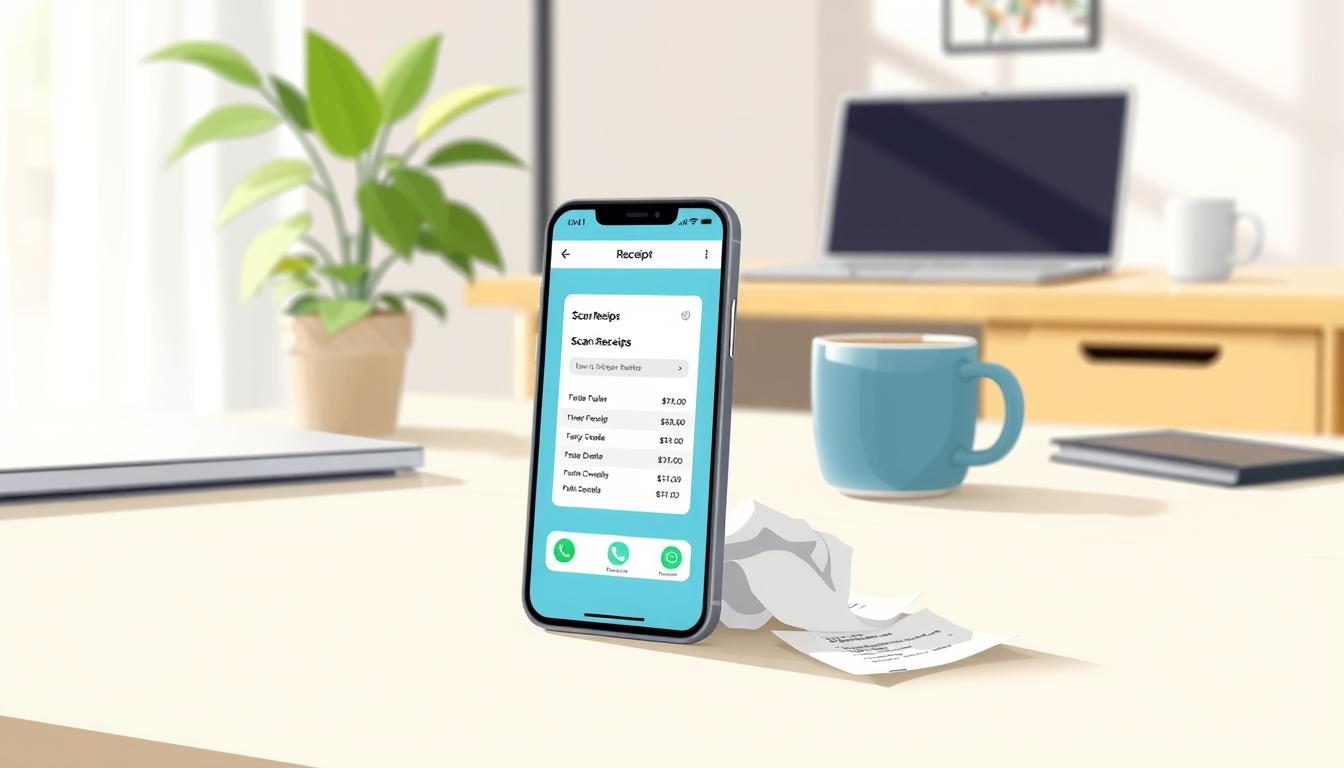
Managing money can be hard when you have lots of paper receipts. Many people in the United States find it tough to keep track of their spending. Luckily, new technology makes it easier to handle your money.
Apps for scanning receipts change how we deal with money. They let you save data right away, so you don’t have to write it down. This way, you can keep track of your spending easily and avoid losing important papers.
Switching to these apps is a big step towards financial stability. It helps you watch your spending and make better choices every day. Using these apps means you can keep track of every dollar, improving your financial health.
Understanding the Benefits of Digital Expense Tracking
Many people find paper-based receipt management hard in today’s fast world. It often leads to lost documents and missed tax deductions. Moving to a digital system helps keep finances in order.
Why Manual Receipt Management is Obsolete
Manual filing systems can be wrong and wear out. Paper receipts get hard to read as time goes by. Also, keeping many small papers is messy.
Digital expense tracking means no need for paper. It lets you find transactions fast. This saves time and makes managing money easier.
The Financial Advantages of Real-Time Digitization
Digitizing expenses right away is very helpful. It makes sure spending is recorded correctly. You can sort expenses as you go, helping you see your budget better.
There are many good things about this method:
- Instant categorization of business versus personal spending.
- Less chance of losing small receipts that save a lot.
- Clearer view of money flow with automated reports.
Security and Cloud Storage Considerations
Keeping financial data safe is very important. Using cloud storage keeps records safe, even if a device is lost. These services use strong encryption to protect your info.
Good receipt management solutions have backups. This means your data is always safe. You can get to your files from anywhere, giving you peace of mind. Using secure cloud storage is the best way to keep all your financial records safe and easy to find.
Selecting the Best Apps for Scanning Receipts
Finding the right expense management software is key. There are many apps for scanning receipts out there. It’s important to pick one that fits your business needs well.
Criteria for Choosing Your Expense Tool
Look at how easy the app is to use and how simple it is to enter data. A good tool should work well with your small business accounting systems. It should also have features like automatic sorting and easy search to help during tax time.
Reliability is very important. Choose a platform that keeps your data safe in the cloud. Make sure it works well on both phones and computers. Try it out with some test receipts to see if it’s accurate.
Top Tier Options for Small Business Owners
There are many top choices for growing businesses. These apps have cool features like support for different currencies and tools for teams. Picking a well-known provider means your financial info will be well-organized and easy to find.
| Feature | Basic App | Professional Tool | Enterprise Suite |
|---|---|---|---|
| OCR Accuracy | Standard | High | Advanced |
| Cloud Sync | Limited | Real-time | Real-time |
| Accounting Integration | None | Partial | Full |
| Cost | Free | Monthly Fee | Custom Pricing |
Free Versus Premium Subscription Models
Many apps have free versions to start with. These are great for freelancers or small teams. But, they might not have all the features you need.
Paying for a premium version can be worth it. It usually means you won’t run out of storage and you’ll get more automated tools. Think about how much time you’ll save to see if it’s a good deal for your business.
Setting Up Your Digital Receipt Workflow
Having a good workflow makes managing expenses easy. It keeps all your financial info in order, even when you’re busy. A solid expense workflow lets you handle your money well with little effort.
Installing and Configuring Your Chosen Application
Start by getting your receipt scanning software from a good app store. After you install it, tweak the settings to fit your needs. This makes sure the app works right for you every day.
Connecting Bank Accounts and Credit Cards
Connecting your bank and credit cards is key for digital expense tracking. Most apps let you do this safely. It helps the software match your receipts with your bank records, saving you time.
Establishing Naming Conventions for Digital Files
It’s also important to name your digital files the same way every time. Use a format like “YYYY-MM-DD_Vendor_Amount” for receipts. This makes finding files easy, especially for taxes or audits.
| Feature | Manual Entry | Automated Workflow |
|---|---|---|
| Data Accuracy | Prone to human error | High precision |
| Time Required | High | Low |
| Searchability | Difficult | Instant |
| Bank Syncing | Not available | Real-time |
Step-by-Step Guide to Scanning Receipts Effectively
Learning to capture digital receipts is key for a smooth expense workflow. Clear images help systems read financial info better. This means less time fixing mistakes later.
Capturing Clear Images in Low Light
Many business dinners or retail purchases happen in dim light. Place the receipt on a flat, high-contrast surface. Using a mobile receipt scanner with flash can help, but watch out for glare on shiny paper.
If the image is blurry, try these tips:
- Hold the device steady for a few seconds to allow the camera to focus.
- Move closer to the receipt to fill the frame without cutting off the edges.
- Use a secondary light source, such as a phone flashlight from a colleague, to brighten the area.
Utilizing Optical Character Recognition for Data Entry
Modern apps use OCR technology to turn paper into digital text. This tech finds important info like merchant name, date, and total amount automatically. It cuts down on manual data entry a lot.
The software scans the document and sorts the data into categories. This makes reconciling bank statements and credit card logs faster. It turns paper into a digital database quickly.
Verifying Automated Data Extraction Accuracy
Even with advanced tech, mistakes can happen. Always check the data to make sure automated data entry is right. Double-check the total amount and tax breakdown for tax accuracy.
- Open the app and review the scanned receipt alongside the original document.
- Confirm that the date and merchant name match the physical copy.
- Edit any fields that the software may have misread due to ink smudges or folds.
Managing Business Expenses with Expensify
Expensify helps big companies manage their money well. It’s a key place for watching over money. It makes it easy to handle expense reporting.
Automating Expense Reports for Teams
Old ways of doing things slow down work and cause mistakes. Expensify makes reports automatic. This saves time and cuts down on mistakes.
It uses smart tech to handle receipts fast. This means people can do their real jobs, not just bookkeeping.
- Real-time submission of receipts via mobile app.
- Instant approval workflows for managers.
- Reduced risk of human error in calculations.
Integrating Expensify with Accounting Software
Expensify works well with big accounting systems. This makes sure money moves smoothly from buying to the books.
It helps keep money records right without needing to do it by hand. With automated data entry, it updates money records fast. This makes checking money easier.
Handling Multi-Currency Transactions
Dealing with money from different countries can be hard. Expensify makes it easy by changing money automatically.
This is key for teams that travel or work with people from other countries. It makes sure money reports are clear and right, no matter where the money was spent.
Streamlining Personal Finance with Zoho Expense
Managing your money well needs the right personal finance tools. Zoho Expense is a top choice for those aiming to control their budget and save more. It helps with better financial organization.
Tracking Daily Spending Habits
Zoho Expense makes tracking your money easy. It turns paper receipts into digital records fast. This way, it sorts your spending into things like food, travel, or dining.
This automated categorization means you won’t miss any expenses. You can see your spending history live. This helps you find and cut back on unnecessary costs.
Setting Monthly Budget Alerts
Keeping to your budget can be tough. Zoho Expense lets you set spending limits for different areas. This helps avoid spending too much.
When you’re close to your limit, the app sends proactive notifications to your phone. These reminders help you stay on track before the month ends.
Generating Visual Reports for Personal Savings
Seeing your data in a clear way is key. Zoho Expense creates detailed charts to show your spending trends. These charts cover weeks or months.
These visual insights make it simple to find ways to save more. By looking at these reports often, you can improve your long-term financial plan. This is thanks to these effective personal finance tools.
Advanced Document Management with Adobe Scan and Microsoft Lens
Turning paper receipts into digital files is easy with the right mobile receipt scanner. Many people use Adobe Scan and Microsoft Lens for this. These personal finance tools are clear and easy to use. They help keep financial records organized and easy to find.
Converting Receipts into Searchable PDFs
These apps are great because they make high-quality, searchable PDFs. They use special tech to find text in images. This makes it easy to find what you need fast.
Automated text recognition catches every detail on a receipt. After scanning, the software makes the text selectable. This means no typing errors and less work for you.
Organizing Scans into Folders and Categories
Keeping things organized is important. Set up folders for things like business expenses and personal buys. Subfolders for months or vendors help find things fast.
Renaming files right after scanning helps keep things clear. Include the date and merchant name. This makes reviewing expenses later easier.
Syncing Documents Across Multiple Devices
Good cloud storage is key for syncing files everywhere. Adobe Scan and Microsoft Lens work with popular clouds. This means scans on your phone are on your computer too. It’s great for those always on the move.
With an internet connection, you can get to your files from anywhere. This cloud storage keeps your data safe. It makes sure you have all your receipts when you need them.
| Feature | Adobe Scan | Microsoft Lens |
|---|---|---|
| OCR Accuracy | High | High |
| Cloud Integration | Adobe Cloud | OneDrive |
| Ease of Use | Excellent | Excellent |
| Searchability | Full Text | Full Text |
Integrating Receipt Data with Accounting Platforms
Connecting your receipt data to accounting software changes how you handle money. It makes tracking finances easier and cuts down on mistakes. This is key for keeping small business accounting records right all year.
Syncing with QuickBooks Online
QuickBooks Online is a favorite for many because it works well with other apps. When you connect your app to QuickBooks, every receipt is sorted and matched with bank records. This makes sure your profit and loss statements are up to date.
Exporting Data to Xero or FreshBooks
Business owners like Xero or FreshBooks for their flexibility. These platforms make it easy to move data around. This keeps all your financial papers in one place, making bookkeeping simpler.
Preparing for Tax Season with Digital Records
Good tax preparation needs organized financial papers. Digital records mean no more searching for paper receipts in April. A tidy database helps with deductions and expense checks during audits.
| Accounting Platform | Integration Ease | Primary Benefit |
|---|---|---|
| QuickBooks Online | High | Automated Bank Matching |
| Xero | High | Advanced Reporting Tools |
| FreshBooks | Medium | User-Friendly Interface |
Troubleshooting Common Scanning and Syncing Issues
When your digital expense system has problems, a step-by-step plan can fix it fast. Even the best software can sometimes have technical issues. By doing a few simple things, you can keep your receipt management smooth all year.
Resolving Blurry Image Quality Problems
Blurry images can stop OCR technology from reading receipt text. Make sure your camera lens is clean before taking a picture. Also, scan documents in a bright area to avoid shadows.
If the image is still fuzzy, hold your device still and wait for auto-focus. Many apps have a grid to help you line up the document. Checking the scan’s clarity before saving saves time later.
Fixing Data Sync Errors Between Apps
Sync errors often come from bad internet or old app versions. First, check your internet connection. If problems continue, log out and sign back in.
Clearing the app cache can also help. This removes temporary files that might be causing trouble. Make sure your device and app are up to date. Updates often fix issues with OCR technology and your accounting software.
Managing Storage Limits and Cloud Backups
Running out of cloud storage can stop you from saving new documents. Regularly clean out old scans to make room for new ones. Many platforms let you export old records to a local drive or backup service.
Having a plan for archiving files keeps your digital record keeping tidy. If you’re always running out of space, consider a bigger plan. Staying ahead of storage needs keeps your financial data safe.
| Issue Type | Primary Cause | Recommended Solution |
|---|---|---|
| Blurry Scans | Poor lighting or dirty lens | Clean lens and improve ambient light |
| Sync Failures | Network or cache issues | Refresh connection or clear app cache |
| Storage Full | Exceeded cloud quota | Archive old files or upgrade plan |
Conclusion
Using modern apps for scanning receipts is a big step. It helps you control your money better. It makes it easier to see how you spend your money and cuts down on paper clutter.
Keeping your spending records digital helps you track everything. It makes it easy to remember all your purchases. This way, you don’t get stressed out about finding receipts.
Tools like Expensify or Zoho Expense make tax time easier. They help you keep your money records in order. This means you won’t have to look for lost receipts when tax time comes.
Choosing digital solutions helps you manage your money better. It makes your finances clearer and more organized. Start using apps for scanning receipts today. It’s a smart move for your financial future.