

Note taking apps for remote work are essential tools for staying organized and productive. With many options available, finding the right app can significantly improve your workflow.
These apps not only help you capture ideas but also keep your tasks streamlined. Remote work can lead to scattered thoughts, and a good note taking app can bring clarity to your projects.
Ready to find the perfect tool for your needs? Keep reading to discover the best note taking apps that can transform your remote work experience.
Best Note Taking Apps for Remote Work
When looking for the best note taking apps for remote work, it’s important to consider what features matter most. Apps like Evernote and Notion allow you to organize notes in folders, making it easier to find what you need. You can also sync notes across devices, ensuring that your ideas are always at your fingertips.
Another top choice is Microsoft OneNote. This app integrates smoothly with other Microsoft products. It offers great tools for collaboration, which is essential when working remotely with others. Sharing notes and ideas has never been easier.
For those needing a simpler solution, Google Keep is user-friendly and perfect for quick notes. You can label and color-code your notes for better organization. These options, among others, are designed to help unlock your productivity while working from home.
Features to Look for in Note Taking Apps
When choosing a note taking app, one of the key features to look for is ease of use. You want an app that feels natural and intuitive. A simple layout allows you to start taking notes right away without confusion. The quicker you can jot down your thoughts, the more productive you will be.
Another important feature is collaboration tools. If you work on projects with others, it helps to choose an app that lets you share notes easily. Look for options that allow real-time editing, so everyone can contribute and stay on the same page.
Lastly, consider cross-platform accessibility. The best note taking apps should work on different devices, like your phone, tablet, and computer. This way, you can access your notes anytime, anywhere, making remote work smoother and more efficient.
How Note Taking Apps Boost Productivity
Note taking apps boost productivity by providing a central place for all your ideas and tasks. When you use an app, you can quickly jot down thoughts and important information instead of searching through papers or notes. This leads to less time wasted and keeps you focused on your work.
Another way these apps help is by allowing for easy organization. You can categorize notes into different folders or tags. This makes it simple to find specific information when you need it. No more digging through endless notes to track down key details!
Furthermore, many note taking apps come with features like reminders and to-do lists. These tools keep you on track and ensure that important tasks don’t slip through the cracks. By prioritizing your work effectively, you can stay productive and accomplish more each day.
Comparing Top Note Taking Apps
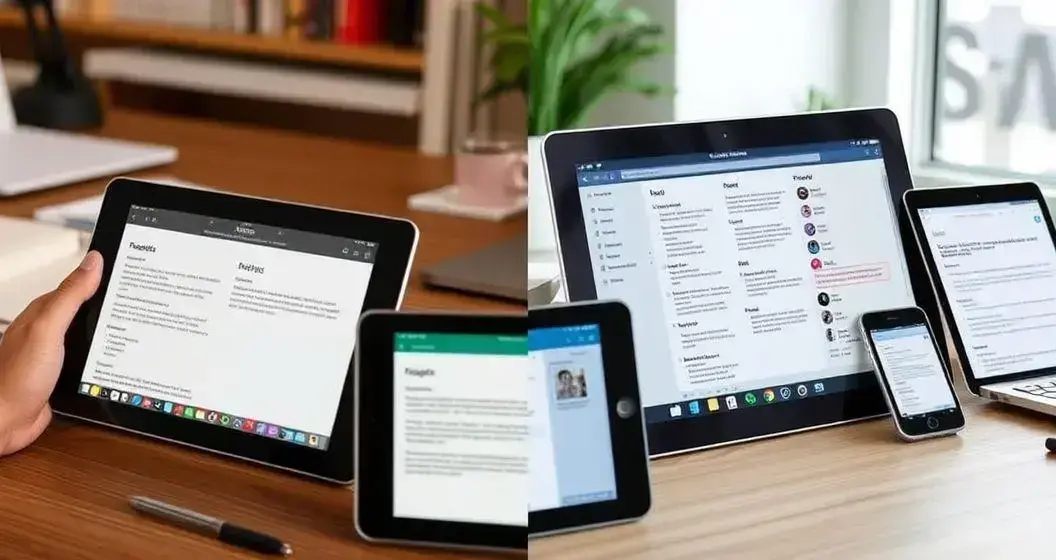
When comparing top note taking apps, it’s important to look at how each one helps with organization. For example, Evernote offers rich formatting options and allows you to create different notebooks, making it easy to separate your topics. In contrast, Notion combines notes with project management, giving you a unique way to see everything in one place.
User-friendliness is also key in these apps. Google Keep stands out for its simple design and quick note-taking features. It’s perfect for those who prefer speed over complex options. On the other hand, Microsoft OneNote may have a steeper learning curve but offers powerful features that suit users who want depth in their notes.
Lastly, consider the integration capabilities of each app. Some apps, like Notion and Evernote, allow you to connect with many other tools. This means you can streamline your work process by linking notes with tasks and calendars. Choosing the right app will depend on what fits your work style and needs.
User Reviews and Experiences
User reviews of note taking apps provide valuable insights into their effectiveness. Many users praise Evernote for its extensive features and ability to keep everything organized. They love how easy it is to add images and links directly into their notes, which makes the app versatile for various tasks. However, some users mention that the app can feel a bit overwhelming at first due to its many options.
Notion users often share positive experiences regarding its flexibility. They appreciate being able to customize their workspace to fit their needs. Many find it beneficial for both personal and professional projects, as it combines notes and task management effortlessly. Yet, there are some who feel that it takes time to learn all the features and shortcuts.
On the simpler side, Google Keep receives praise for its quick and easy interface. Users enjoy its color-coding system and integration with Google services, which helps them keep tasks organized. However, some express a desire for more advanced features, saying that while it’s great for quick notes, it may not be sufficient for larger projects.
Integrating Note Taking Apps with Other Tools
Integrating note taking apps with other tools can greatly enhance your productivity. For example, Evernote allows users to connect with calendars and task managers. This means you can turn your notes into actionable tasks, helping you to stay organized and meet deadlines without missing a beat.
Notion is another powerful option that combines note taking with project management tools. It can link notes directly to projects, allowing for seamless transitions between brainstorming and planning. Users find this integration helpful as it keeps all their work in one place, making collaboration simpler.
Additionally, using apps like Google Keep can improve your workflow when paired with other Google services. The ability to share notes via Google Drive and set reminders in Google Calendar helps you keep all essential information easily accessible. This integration creates a smoother experience, ensuring that nothing gets overlooked while working remotely.