

How Mobile Operating Systems Handle App Security plays a bigger role in your daily life than you might realize. Every tap, download, and login depends on systems working quietly to keep your data safe.
Behind the scenes, your device is constantly managing permissions, isolating apps, and blocking potential threats. These layers of protection are designed to give you freedom without compromising your privacy.
Understanding how all of this works can help you make smarter choices with the apps you use every day. Keep reading to uncover what really keeps your device secure.
Understanding Mobile Operating Systems
Mobile operating systems are the software that powers your smartphone or tablet. They manage all the device’s basic functions, allowing you to run apps, make calls, and access the internet. Popular operating systems include Android and iOS, which each have unique features that influence what users experience.
Understanding these operating systems helps you see how they protect your data. For instance, both Android and iOS use strong security measures to keep malicious apps away from your personal information. By keeping the system updated, these OS help ensure that your device is safe from the latest threats.
The way mobile operating systems handle app security is crucial. They create a secure environment where apps can operate without putting your data at risk. Knowing how different OS work allows users to make smarter choices about the apps they download and use.
Core Security Features in OS
Mobile operating systems come with essential security features to keep your device safe. One important feature is encryption, which protects your data by converting it into a code that only authorized users can read. This means that even if someone tries to access your information, they will not be able to make sense of it without the correct keys.
Another core feature is app sandboxing. This process restricts apps from accessing each other’s data, preventing unwanted interference. If one app behaves badly, sandboxing stops it from affecting other apps or the overall system. This helps ensure that your personal information stays private and secure.
Additionally, both Android and iOS include regular security updates. These updates fix vulnerabilities and protect against new threats. By keeping the operating system up to date, users can better defend against hackers and malware, making their devices less prone to security breaches.
App Permission Management Strategies
App permission management is key to ensuring user privacy and device security. When you install an app, it often asks for permissions to access your contacts, camera, location, and more. Understanding these requests is crucial, as granting too many permissions can put your personal information at risk. Always consider whether the app truly needs these permissions to function properly.
Both Android and iOS offer features that allow users to manage these permissions easily. For instance, users can view and adjust permissions after installing an app. If you notice an app requesting access to information it shouldn’t need, you can deny those permissions. This gives you control over what information the app can access.
Regularly reviewing your app permissions is a smart practice. Sometimes, apps can request new permissions during updates. Keeping your permissions in check helps you spot any unwanted access. By being proactive, you ensure that your personal data remains secure, allowing you to use apps with confidence.
Sandboxing Techniques Explained
Sandboxing is a security technique used by mobile operating systems to keep apps separate from each other. Each app runs in its own sandbox, which is like a secure box. This means that if one app has a problem or gets hacked, it cannot directly access or damage data from another app. This isolation helps protect your personal information and app data.
When you download an app, it doesn’t automatically have freedom to interact with other apps or the system. Instead, it can only access the resources it needs to function within its own sandbox. For example, an app can’t see your contacts unless it asks for permission and is granted access. This way, users can feel more secure about what apps can do on their devices.
Sandboxing not only provides security but also improves overall device performance. Since apps are separated, they cannot interfere with each other, which keeps the system running smoothly. It also makes it easier for developers to spot problems because any issues will generally remain in the app’s sandbox. This technique is essential for maintaining a safe and efficient mobile experience.
The Role of Updates in Security
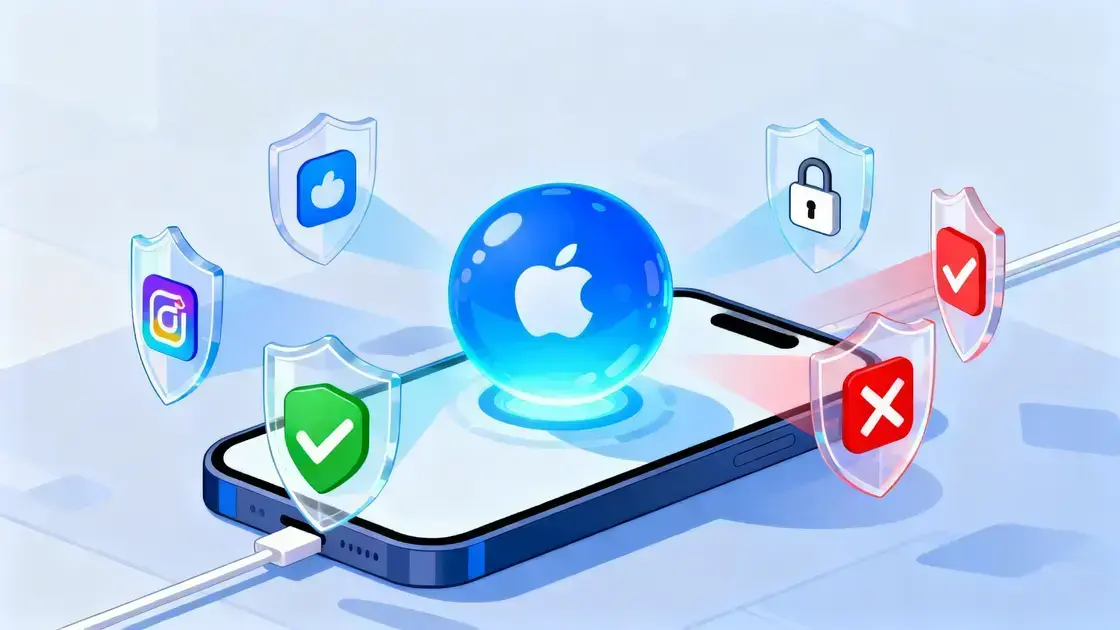
Updates play a vital role in keeping mobile operating systems secure. When developers discover new threats or vulnerabilities, they quickly work on an update to fix these problems. This proactive approach helps shield your device from hackers and malware. By regularly updating your OS, you ensure that you have the latest security features to protect your personal information.
Many users ignore updates, thinking they are either unnecessary or unimportant. However, these updates often contain critical patches that fix known security issues. Skipping updates can leave your device exposed to attacks. It is essential to enable automatic updates so you never miss an important security fix.
In addition to security patches, updates often improve overall system performance. Sometimes, older versions of an OS can slow down or become less secure over time. Updates not only fix problems but also optimize how your device runs. Keeping your mobile operating system up to date is one of the simplest ways to maintain both security and performance.
User Education and Best Practices
User education is a key factor in maintaining strong app security on mobile operating systems. One of the best things users can do is learn about the permissions they grant to apps. Understanding what information each app needs can help users make informed decisions. Always think twice before allowing access to your location or contacts, especially if the app does not need that information to function.
Another best practice is to recognize the importance of downloading apps only from trusted sources. Official app stores, like the Google Play Store and Apple App Store, have security measures in place to screen for harmful apps. By avoiding third-party downloads, users significantly reduce their risk of installing malicious software that can compromise their security.
Finally, users should regularly review their app settings and permissions. This helps catch any unwanted changes and ensures that no apps have excessive access to personal data. Simple actions, like uninstalling unused apps and enabling two-factor authentication, can greatly enhance security. By staying informed and proactive, users can keep their devices and data safe.