

Phone batteries often drain faster than we want. This can lead to stress and inconvenience. Luckily, there are tricks to reduce phone battery drain effectively.
Discover simple and practical tips that can help your phone last longer.
Keep reading to discover effective strategies that can make a significant difference!
Optimize Screen Brightness Settings
One of the easiest tricks to reduce phone battery drain is to optimize your screen brightness settings. The brighter your screen, the more power it uses. Adjusting the brightness can help extend your battery life significantly. Try lowering the brightness to a comfortable level or using the automatic brightness feature, which changes the brightness based on your surroundings.
When you’re indoors, your phone doesn’t need to be as bright as when you’re outside. Using the automatic brightness setting allows your phone to adjust based on how much light is in the room. This not only saves battery but also makes it easier to read your screen. A well-optimized screen brightness can make a big difference in how long your battery lasts.
Another tip is to avoid using extreme brightness settings. If your screen is too bright, it can strain your eyes and waste battery. Keep your brightness at a moderate level that is easy on your eyes. Remember, small changes in brightness can lead to big savings on your battery life. So, take a moment to adjust your settings and enjoy a longer-lasting phone.
Limit Background App Activity
Limiting background app activity is a great way to save battery life on your phone. Many apps continue to use power even when you are not actively using them. They refresh data, send notifications, and check for updates, all of which drain your battery quickly. By managing these settings, you can help extend your phone’s battery life.
You can go into your phone’s settings to see which apps are running in the background. Some phones have options to restrict background activity for specific apps. By turning off background activity for apps you rarely use, you can reduce battery drain. This simple step can make a noticeable difference in how long your phone lasts throughout the day.
Another helpful trick is to close apps that you are not using. Instead of leaving them open, swipe them away to quit. This prevents them from consuming battery power in the background. Together, limiting background activity and closing unused apps will help keep your phone charged longer and ensure it performs better overall.
Use Battery Saver Mode
One of the best tricks to reduce phone battery drain is to use battery saver mode. This feature is built into most smartphones and helps extend battery life when you need it most. When you turn on battery saver mode, your phone automatically adjusts settings to save power. This means dimming the screen, limiting background app activity, and reducing performance.
When battery saver mode is activated, you can still use your phone for essential tasks. It will allow important notifications and calls while minimizing power-consuming activities. This is perfect for times when you’re away from a charger or when you know you won’t have access to power for a while. It’s an easy way to ensure your phone can last until you can recharge.
Activating battery saver mode is simple. Usually, you can find it in your phone’s settings or quick settings menu. Once turned on, you’ll likely notice a change in your screen’s look and how your phone operates. Using this smart feature will help you make the most out of your battery life and keep your phone running longer.
Disable Location Services
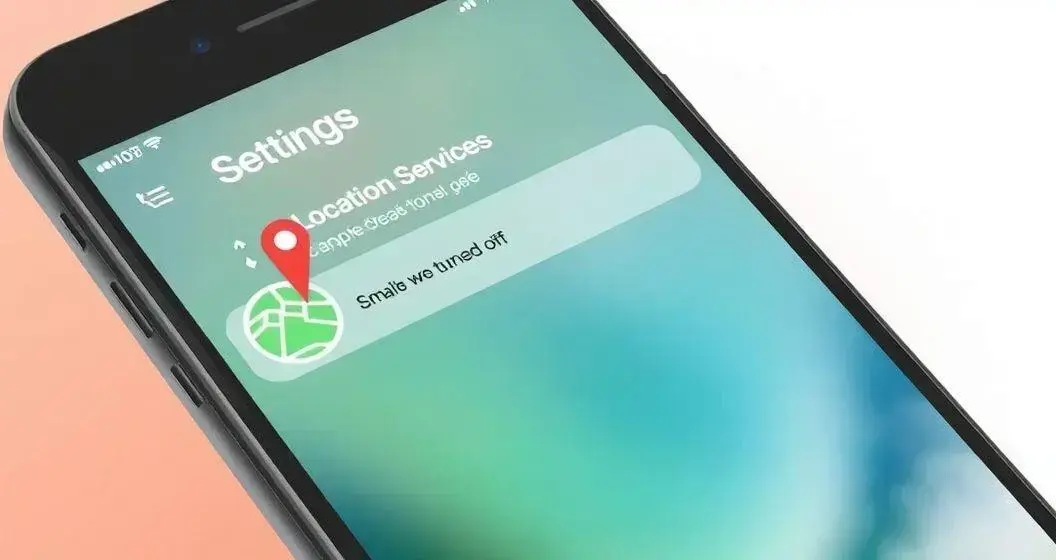
Disabling location services is an effective way to reduce your phone’s battery drain. When location services are on, your phone constantly tries to determine where you are. This uses a lot of power, especially if multiple apps are accessing your location. By turning off these services, you can help your battery last longer and avoid unnecessary power usage.
Some apps, like mapping or ride-sharing services, need location services to function properly. However, you don’t need to have these services on all the time. You can choose to enable location services only for specific apps when you need them. This way, your phone will not waste battery searching for a signal when you are not using location-based services.
To disable location services, go to your phone’s settings and find the location options. You can turn it off completely or adjust it so only certain apps can use your location when you allow it. By managing your location settings, you will see a noticeable improvement in your battery life and overall phone performance.
Manage App Notifications
Managing app notifications is a smart way to reduce battery drain on your phone. Every time you receive a notification, your screen lights up and stays on for a moment, using power. If you get frequent notifications from many apps, this can really add up. By customizing which notifications you receive, you can save battery life and reduce distractions.
To manage app notifications, go to your phone’s settings and find the notification options. You can choose to turn off notifications for apps that you don’t need to hear from all the time. Consider keeping notifications on for important apps, like messages or calls, while silencing games or social media apps that aren’t urgent. This simple change will help keep your battery charged longer.
Another way to manage notifications is to use ‘Do Not Disturb’ mode during certain times. This setting allows you to pause all notifications and calls when you don’t want to be disturbed, like during a meeting or while sleeping. By taking control of your app notifications, you can enjoy a less cluttered phone experience and a longer-lasting battery.
Update Your Apps Regularly
Updating your apps regularly is an important trick to reduce phone battery drain. App developers frequently release updates that fix bugs and improve performance. When you use outdated apps, they may not work efficiently, which can lead to higher battery consumption. Keeping your apps up-to-date ensures that you get the best battery performance possible.
Updates often come with enhancements that can help apps run smoother and use less energy. For example, a new version of an app may be designed to work better with your phone’s features, reducing the power it needs to function. This simple maintenance can help your phone last longer throughout the day.
To check for app updates, go to your app store and look for available updates. You can also enable automatic updates if your phone allows it. This way, your apps will update automatically while your phone is connected to Wi-Fi. Regularly updating your apps is a small step that can lead to major improvements in your phone’s battery life.
Avoid Live Wallpapers
Avoiding live wallpapers is a simple but effective way to reduce phone battery drain. Live wallpapers are animated images that can make your phone look cool, but they consume more power than static wallpapers. The movement and effects require energy, which can quickly deplete your battery, especially if your phone is already low on charge.
Switching to a regular wallpaper instead can significantly extend your battery life. Static images use far less power since they do not require any animation or processing to display. By choosing a still image for your background, you can save energy without sacrificing the appearance of your device.
Additionally, many phones offer a variety of beautiful default wallpapers that look great and help keep your battery healthy. Remember, even small changes in your settings can lead to better battery performance. So, take a moment to change your live wallpaper to a simple, attractive static image and enjoy a longer-lasting phone.
Turn Off Unused Connectivity Features
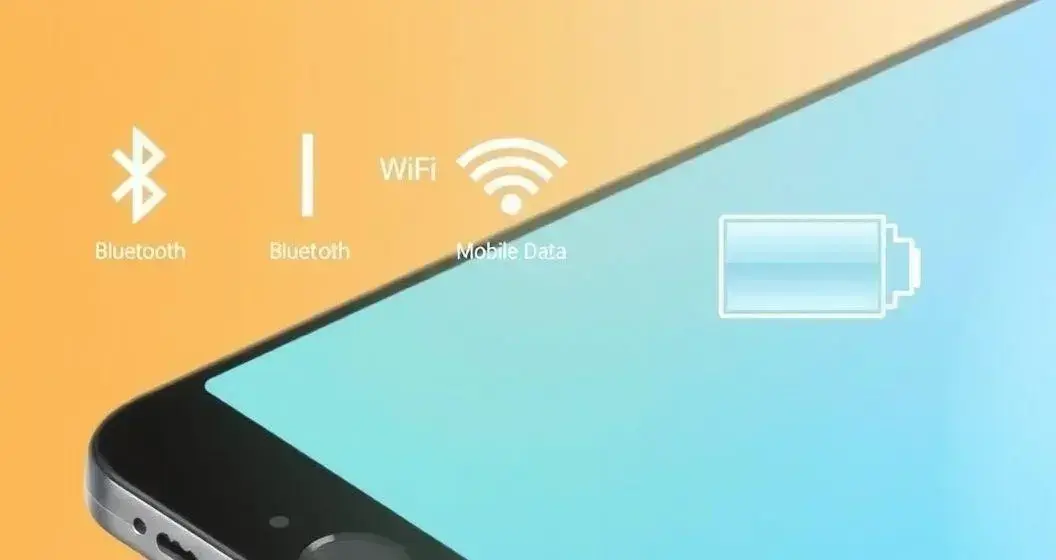
Turning off unused connectivity features is a smart way to save battery life on your phone. Features like Bluetooth, Wi-Fi, and mobile data use power even when you are not actively using them. If these features are on but not needed, your phone’s battery can drain quickly. By disabling them when they are not in use, you can keep your battery lasting longer.
For example, if you are not using Bluetooth to connect to a speaker or headphones, it’s best to turn it off. Similarly, if you are not in range of a Wi-Fi network, disconnecting Wi-Fi will help conserve power. Keeping these connectivity features off when not in use is a simple habit that can make a noticeable difference in battery performance.
You can easily manage these settings from your phone’s quick access menu or settings app. Make it a part of your routine to check these features before heading out. By being mindful of your connectivity settings, you can enjoy a more efficient phone and extend its battery life throughout the day.
Tricks to Reduce Phone Battery Drain: Close Unused Apps
Closing unused apps on your phone is a vital tip to reduce battery drain. When you leave apps open in the background, they continue to run and can consume power without you even realizing it. Even if you are not actively using these apps, they may still refresh data and send notifications, which uses more battery. By closing out apps you aren’t using, you can help your phone save energy.
To close apps, simply access your phone’s app switcher feature. This will show you all the apps currently open. You can then swipe away the ones you no longer need. This process only takes a moment but can greatly improve your battery performance. Creating a habit of regularly closing unused apps can keep your phone running longer between charges.
In addition to saving battery, closing unused apps can also help your phone run smoother. Too many apps open at once can slow down your device and use more memory. By keeping only the apps you need open, you will find that your phone operates more efficiently overall. So, make it a routine to check and close those unused apps to enhance both battery life and performance.